ARD Mediathek — App Store Preview
 ARD
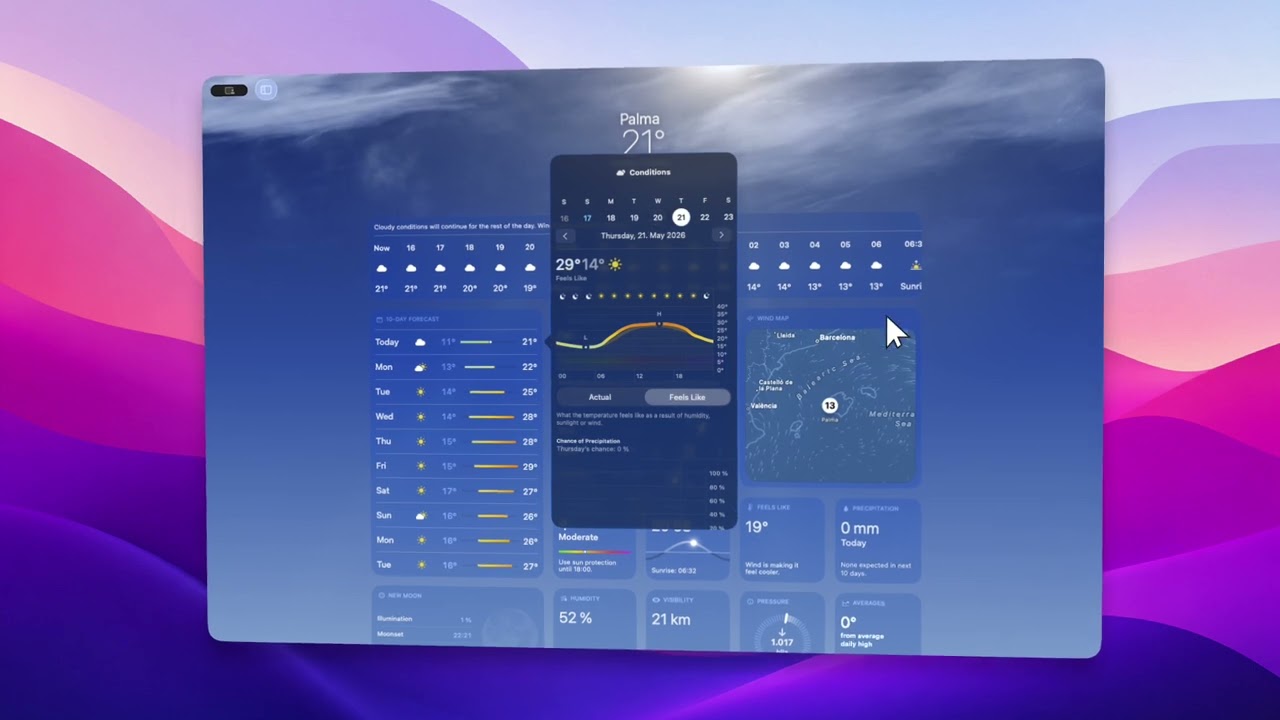
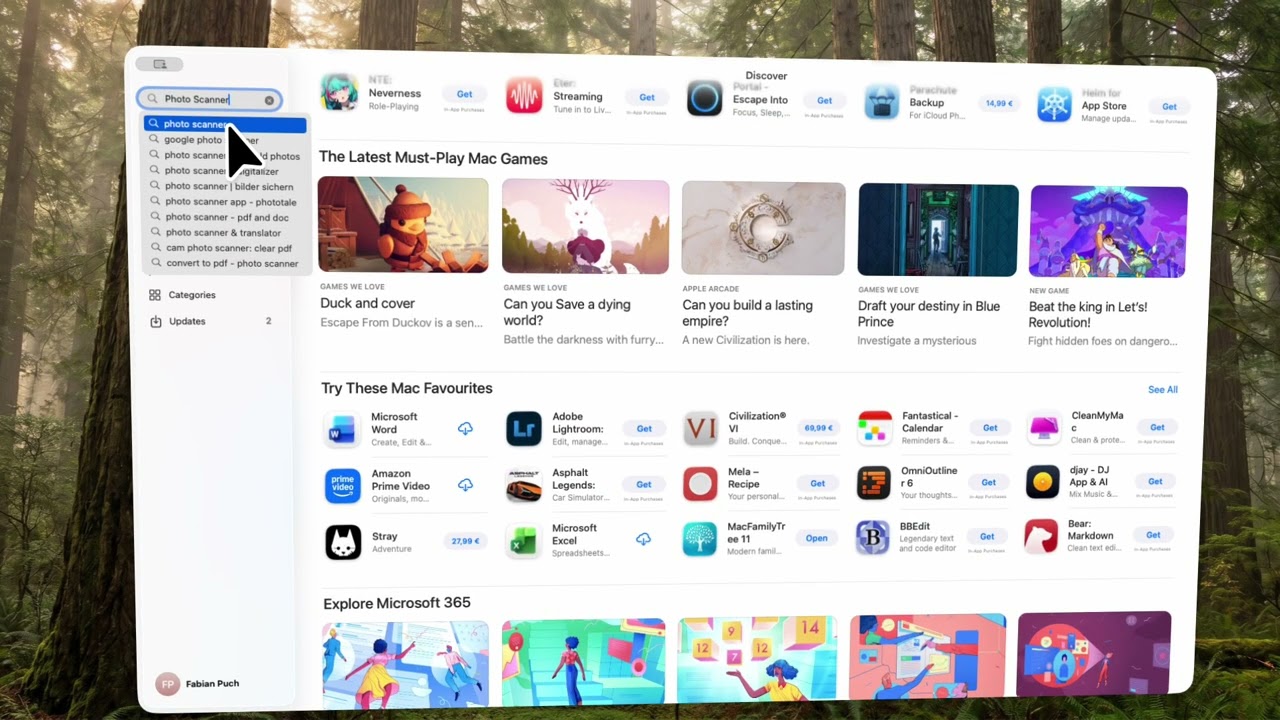
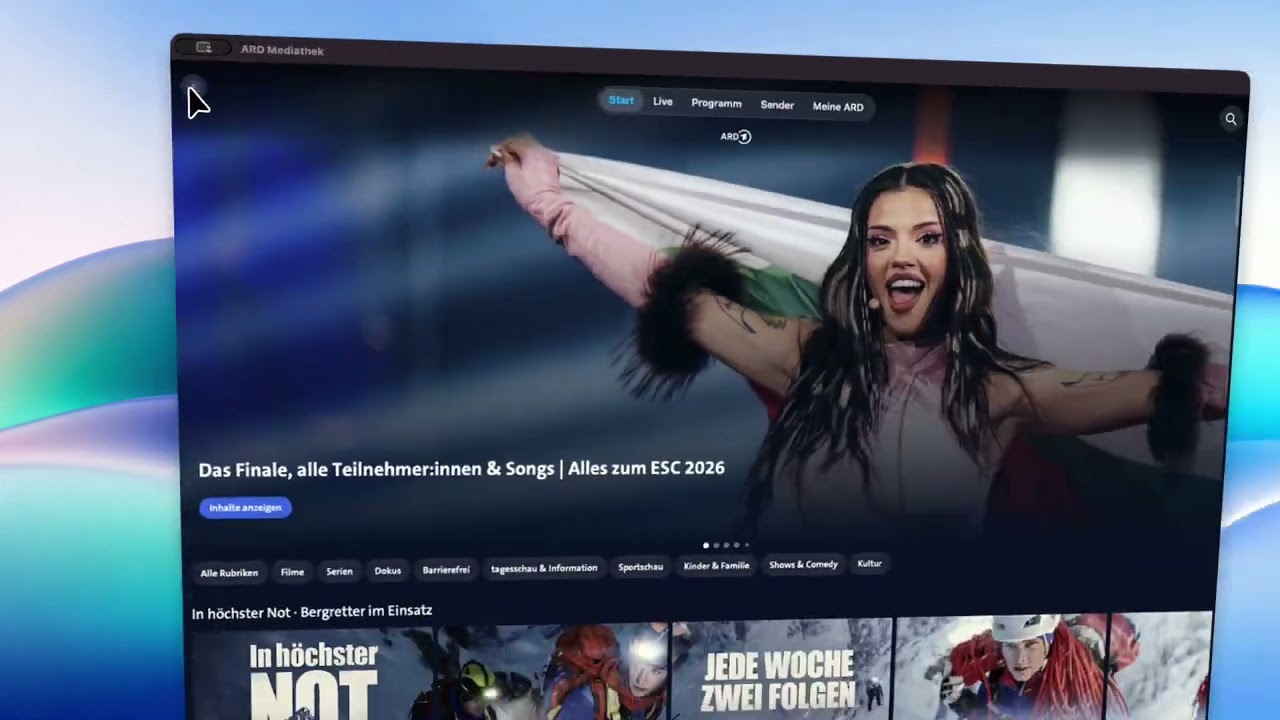
ARD Record your Mac screen and turn it into cinematic app videos, App Store preview videos, tutorial videos, and product demo videos — with smart zoom, 3D motion, interaction highlights, and App Store-ready export.

macOS 12+
Export app videos in Apple-ready formats — without complicated export settings, re-encoding, or manual resizing.
See how developers, designers, startups, and creators use Cursiq to create cinematic app videos and App Store preview videos.
Create App Store preview videos, app tutorial videos, onboarding videos, SaaS demo videos, and product walkthrough videos from a single recording.
Apple lets you add 15–30 second preview videos to your App Store listing. Cursiq makes them cinematic and exports them exactly to Apple's specs — H.264, correct resolution, right file size. Ready to upload.
Walk users through every feature with zoomed-in, highlighted recordings that make your app effortless to understand.
Pitch your app to investors, clients, or your team with polished, cinematic app videos that speak for themselves.
Showcase your SaaS product, feature releases, and product walkthroughs with professional app videos — no video editing skills required.
From Mac screen recording to cinematic app video — zoom, 3D motion, interaction highlights, and App Store-ready export, all in one place
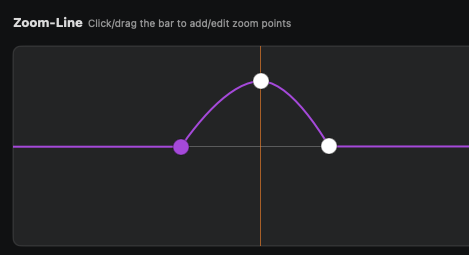
Highlight exactly what matters. Place zoom points on key interactions and cursiq smoothly zooms in — perfect for app tutorial videos and App Store previews.
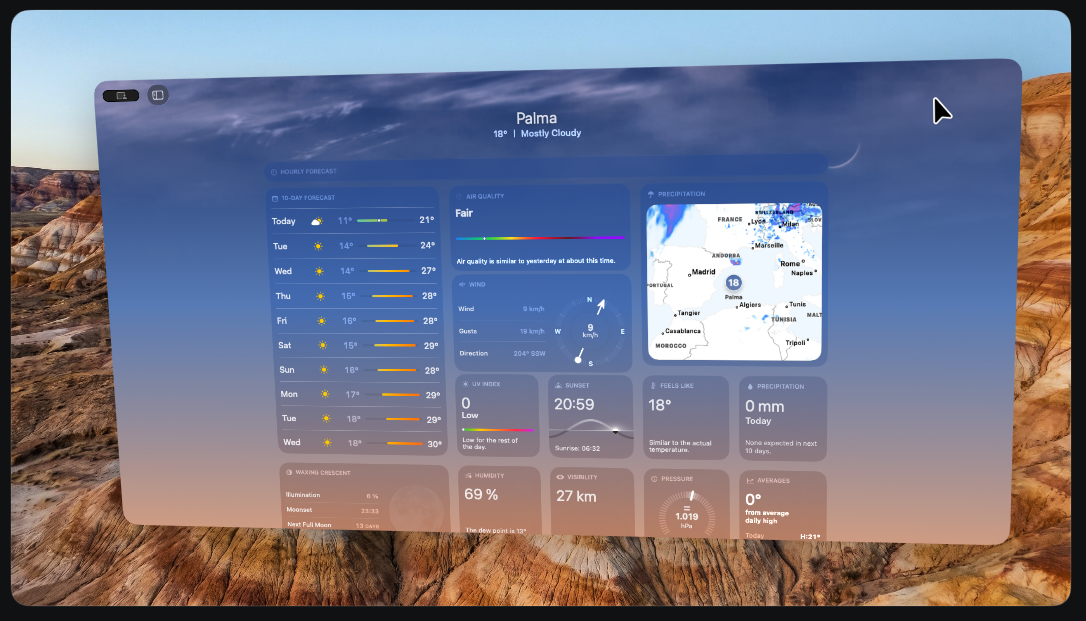
Your app window comes to life with smooth camera movement and subtle 3D tilt — the kind of polish that makes App Store preview videos stand out.
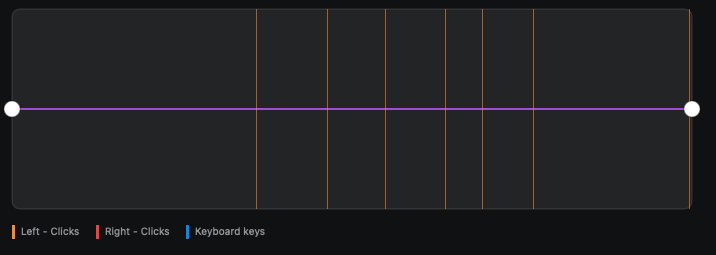
Every tap, click, and keyboard shortcut is detected automatically — so you always know exactly where to place your zoom points for maximum clarity.
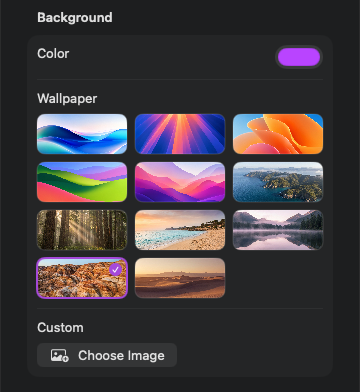
Choose from built-in gradients or upload your own branded background. Your app video, your style — instant App Store-ready.
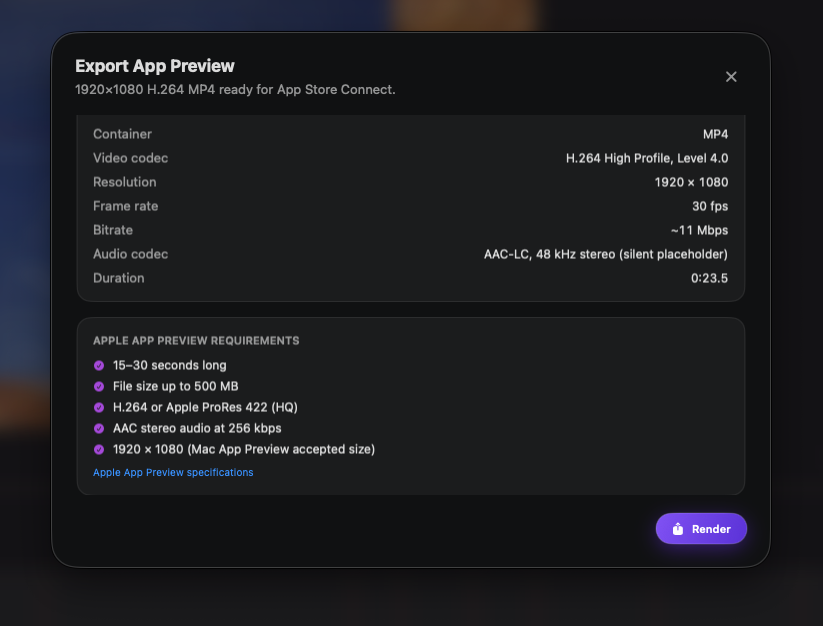
Export in the exact format Apple requires — H.264, 1920×1080 for Mac, 15–30 seconds, under 500 MB. No re-encoding, no guesswork. Upload and go.
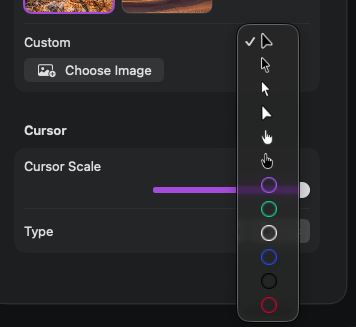
Pick a cursor style that fits your app video — from minimal to highlighted — so every interaction reads clearly on screen.
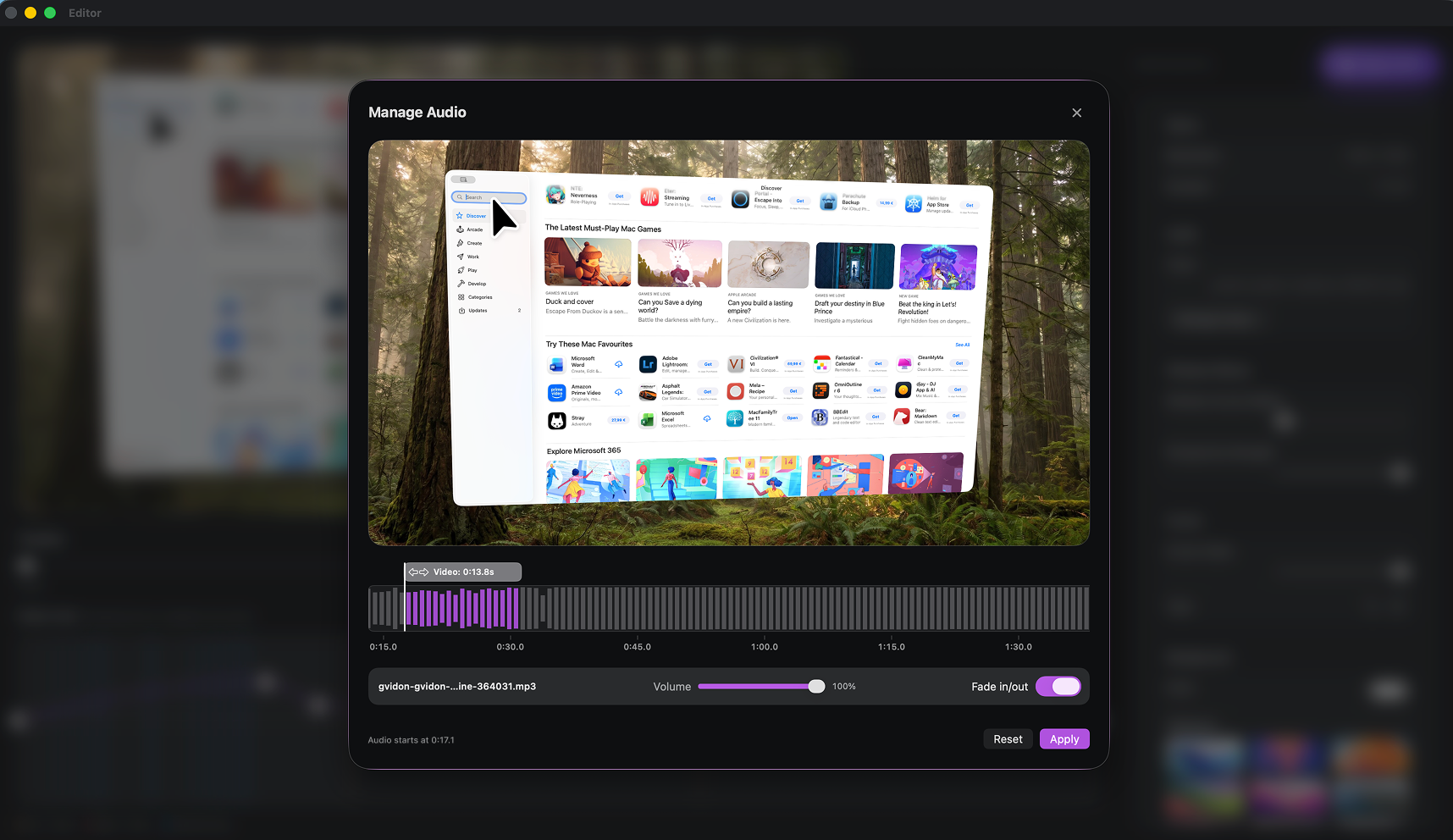
Add any audio track to your recording — music, sound effects, or voiceover narration — to bring your app video to life.
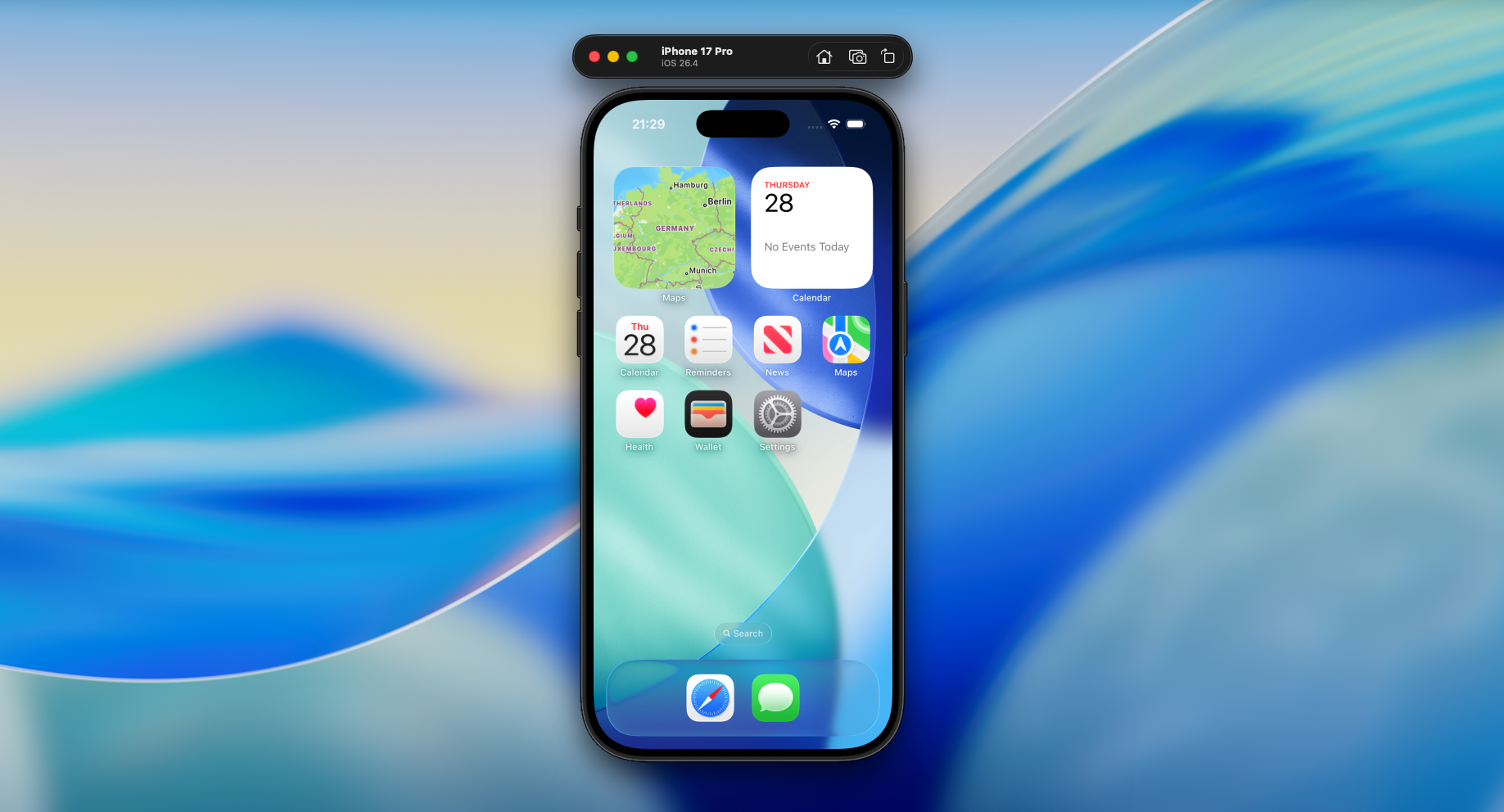
Record your iPhone screen directly and turn it into a cinematic app video — same zoom, motion, and export quality as Mac recordings.
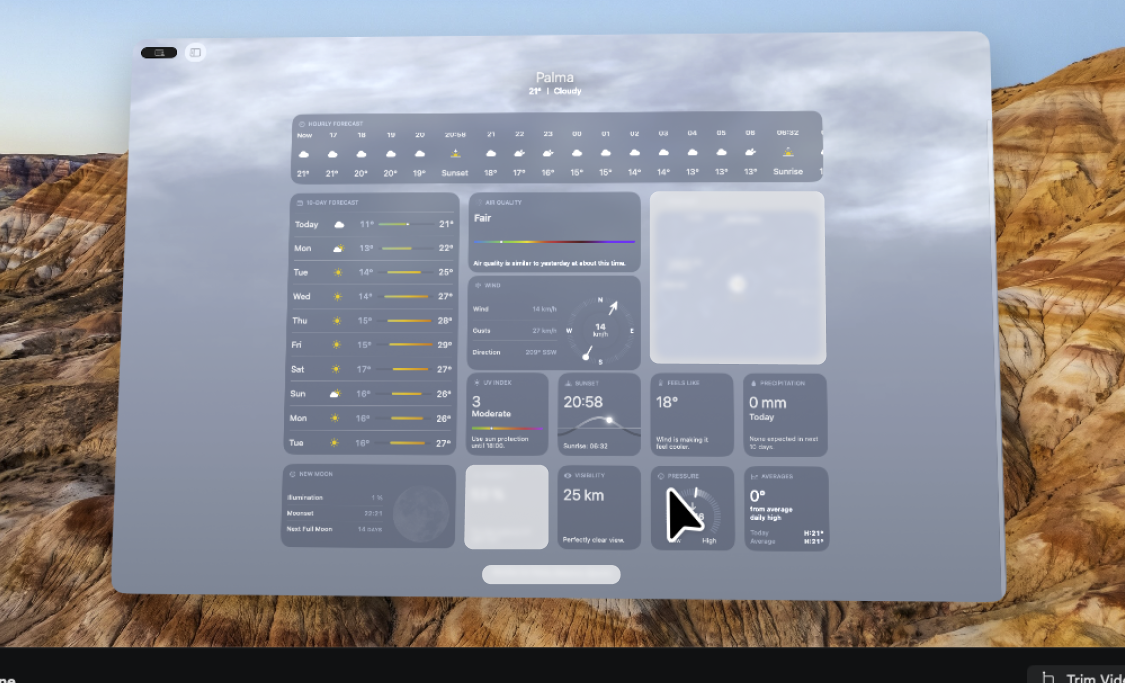
Place blur zones over anything that shouldn't be seen — inbox previews, notifications, personal data — without re-recording a single frame.
Most screen recorders just capture your screen. Cursiq helps you create cinematic app videos, App Store preview videos, tutorial videos, onboarding videos, and product demo videos from simple Mac screen recordings.
No video editing skills needed — just record your app, adjust a few effects, and you're done
Hit record, use your app, stop. Then dial in cinematic zoom, motion, highlights, and backgrounds with just a few adjustments. Done.
Export exactly to Apple's specs — H.264, 1920×1080 for Mac, 15–30 sec, under 500 MB. No re-encoding, no rejection.
Average 4.9 stars on Product Hunt and the Mac App Store. Loved by thousands of people worldwide.
Native performance with Apple Silicon optimization. Runs buttery smooth on M1–M5.
Native Apple Silicon performance for smooth screen recording and cinematic app video creation on Mac. No Electron. No compromises.
Built from the ground up for M1–M5 chips — no emulation, no compromises.
Hardware-accelerated recording and export runs buttery smooth on every modern Mac.
Not a web wrapper. Follows system permissions, dark mode, and native macOS shortcuts.
Record, preview, and export your app videos without frame drops, lag, or battery drain.
Cursiq combines screen recording, cinematic motion, smart zoom, interaction highlights, and App Store-ready export into one simple workflow.
Everything you need to know
Yes! Cursiq exports your app video in exactly the format Apple requires — H.264, 1920×1080 for Mac, 15–30 seconds, under 500 MB. No re-encoding, no rejection. Just upload it to App Store Connect and you're done.
Yes — but Cursiq is much more than a basic Mac screen recorder. While it records your Mac screen at up to 1080p, it automatically adds cinematic zoom, 3D motion, click highlights, and keyboard shortcut detection. The result is a polished app video ready for the App Store, YouTube, or anywhere else — not just a raw screen recording.
Absolutely. Cursiq is built for app tutorial videos. Record your screen, add smart zoom on the interactions that matter, highlight clicks and keyboard shortcuts, and export a clear, professional tutorial video — without any video editing experience required.
Yes. Cursiq is perfect for SaaS demo videos and product walkthroughs. Record your dashboard or product flow, apply cinematic zoom and motion, and export a polished product video in minutes — no video editor needed.
Not at all! Cursiq is built for anyone — no video editing experience needed. Just record your screen, then adjust zoom, 3D motion, and backgrounds with a few taps.
Absolutely! Choose from arrow (light & dark), hand (light & dark), or circle cursor styles. For backgrounds, pick from ready-made presets, gradients, or solid colors — or upload your own branded background for a fully custom app video look.
Cursiq works on macOS Monterey (12) and newer. Best performance on Apple Silicon Macs (M1–M5) with macOS Ventura (13) or Sonoma (14).
Absolutely. Your recordings never leave your device. All processing happens locally on your computer — nothing is uploaded or stored on external servers.
Not just yet — but we're working on it and can't wait to bring it to you soon.
Cursiq is currently built for macOS, and we don't have plans for a Windows version just yet.
Most screen recorders just capture your screen. Cursiq takes your Mac screen recording further — clicks and keyboard shortcuts are highlighted automatically, you place zoom points where they matter, and 3D motion brings your window to life. The result looks like a professional App Store preview video. It takes minutes. And because the export matches Apple's specs exactly, there's no back-and-forth with formats or file sizes. Just record, refine, upload.
Tips, guides, and insights to help you create better app videos
Compare the top tools for creating cinematic app videos, App Store previews, and product demo videos on Mac.
Read moreRecord your Mac screen and turn it into a cinematic app video — zoom, 3D motion, interaction highlights, no video editor needed.
Read moreEverything you need to create a cinematic App Store preview video — from screen recording to Apple-approved export.
Read moreTurn simple Mac screen recordings into polished app videos, App Store preview videos, tutorial videos, onboarding videos, and product demo videos — without complicated video editing software.